
🐳Day 20 - Docker Cheat sheet for DevOps Engineer.
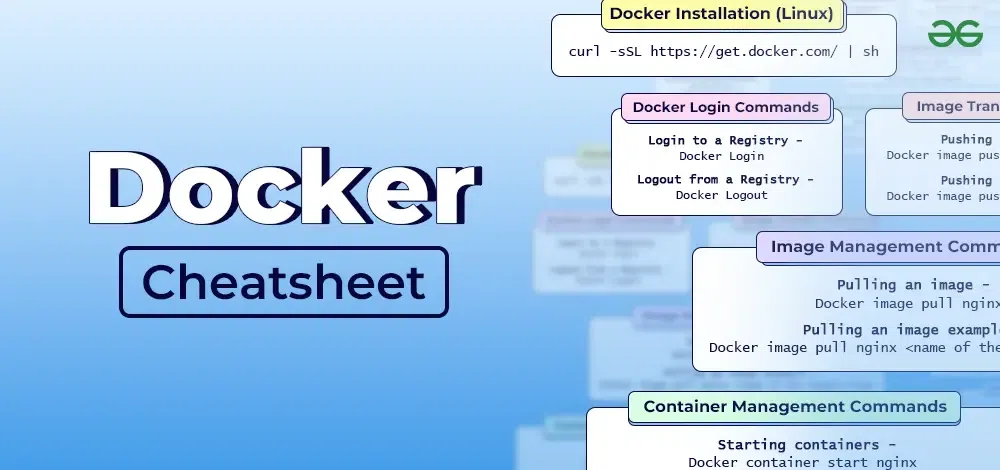
🐳Docker Basics:
docker version: Check Docker version.docker info: Display system-wide information about Docker.docker --help: Get help on Docker commands.
💽Images:
docker pull <image_name>: Download an image from Docker Hub or a registry.docker imagesordocker image ls: List locally available images.docker rmi <image_id>: Remove a local image.docker build -t <image_name> <path_to_dockerfile>: Build a Docker image from a Dockerfile.docker history <image_name>: Show the history of an image.docker tag <image_id> <new_image_name>:<tag>: Tag an image for a specific version.
🚢Containers:
docker run -it <image_name>: Create and start a new container.docker psordocker container ls: List running containers.docker ps -aordocker container ls -a: List all containers, including stopped ones.docker start <container_id>: Start a stopped container.docker stop <container_id>: Stop a running container.docker restart <container_id>: Restart a container.docker rm <container_id>: Remove a container.docker exec -it <container_id> <command>: Run a command in a running container.
🌐Networking:
docker network ls: List Docker networks.docker network create <network_name>: Create a new Docker network.docker network connect <network_name> <container_id>: Connect a container to a network.docker network disconnect <network_name> <container_id>: Disconnect a container from a network.docker port <container_id>: List port mappings for a container.
🔊Volumes:
docker volume ls: List Docker volumes.docker volume create <volume_name>: Create a new Docker volume.docker run -v <volume_name>:<container_path> <image_name>: Mount a volume to a container.docker cp <local_file> <container_id>:<container_path>: Copy files between a container and the host.
🗃️Registry and Repository:
docker login: Log in to a Docker registry.docker logout: Log out from a Docker registry.docker push <image_name>: Push an image to a registry.docker pull <image_name>: Pull an image from a registry.docker search <image_name>: Search for images on Docker Hub.
📝Docker Compose:
docker-compose up: Start containers defined in adocker-compose.ymlfile.docker-compose down: Stop and remove containers defined in adocker-compose.ymlfile.docker-compose ps: List containers in adocker-compose.ymlfile.docker-compose logs: View container logs from adocker-compose.ymlfile.docker-compose build: Build services defined in adocker-compose.ymlfile.
💡Miscellaneous:
docker logs <container_id>: View container logs.docker stats <container_id>: Display a live stream of container resource usage.docker top <container_id>: Display running processes in a container.docker inspect <container_id>: View detailed information about a container.docker-compose version: Show the Docker Compose version.
📚Happy Learning :)


